Intel-only legacy apps will stop running in a future macOS release after macOS 27

Collapse
X
Collapse
 
  • Time
  • Show
Clear All
new posts
  • bigfoot4
    Member
    • Mar 2005
    • 24

    #1

    Intel-only legacy apps will stop running in a future macOS release after macOS 27

    Apple confirmed that Intel-only legacy apps will stop running in a future macOS release (after macOS 27) because Apple is phasing out Rosetta 2 on Apple Silicon Macs.

    I am concerned about after this upgrade on the iMac, I will not be able to continue updating my web pages online without new software. I got this warning after upgrading to OS 26, so I am confused that it may start with OS 27.

    I currently use "SeaMonkey" to edit the pages and then upload using "FileZilla". I also use "FileZilla" to upload my "web projects" SeaMonkey is very simple app to use, and I don't have to learn html formatting details.

    Does anyone have any software suggestions that you have already tried and proven? Price is one thing, but I need simplicity too?

    Thanks in advance!
    bigfoot4

    OS X 10.13

    Reunion 12
    Reunion Touch 1.0.8
  • DrJJWMac
    Member
    • Dec 2015
    • 66

    #2
    Consider searching and asking on the Mac Power User forum.

    A place to discuss all things Mac Power Users.


    Just to put your mind at ease, Intel-only apps will be supported through macOS 27. I believe but defer to experts whether macOS 28 will or will not even install on Intel.

    —
    JJW

    Comment

    • Derrick
      Member
      • May 2005
      • 61

      #3
      On the Filezilla page here ( https://filezilla-project.org/download.php?show_all=1 ) they actually have an option to download a MacOS Apple Silicon version of the app (assuming your Mac is an M1 or later with a silicon chip, of course, which you don't mention). That version is the one to start to use. It will be identical to the Intel version. I don't know how Seamonkey works, so others might have recommendations.

      FYI, because others might be interested, to find which apps you have that are Intel only, go to your Apple menu > About this Mac > More info > System Report (it's a link at the bottom). This opens a page in a small font. Look on the left for "Software > Applications" and give it a sec to load. This is a list of all applications on your computer. Sort by "kind," and you can see all of the applications that are Intel. These apps will not work under OS 28. They will work under OS 27, but you have to re-install Rosetta, which translates Intel code to Silicon code, to make them work. The thing that is making me the most upset is that HP doesn't seem to be updating its drivers for older printers, even though the printer works fine.


      SCR-20261022-ksdf.png
      Last edited by Derrick; 22 October 2026, 11:10 AM.
      Derrick
      pitard.net

      Comment

      • DrJJWMac
        Member
        • Dec 2015
        • 66

        #4
        Derreck

        Useful insight ... thanks!

        A recommendation of replacement drivers to overcome the problem of loosing Intel legacy print drivers on MX machines is on MPU.

        I just ordered a Canon Pixma for my studio to spot check proofs, and am glad I saw this thread before I installed the driver or updated to macOS 27. Thank you @DrJJWMac!

        Comment

        • bigfoot4
          Member
          • Mar 2005
          • 24

          #5
          Thanks for the replies!

          To clarify I am using M1 iMac running 26.7.1. I already have the intel version of FileZilla. My concern is if there will be an intel version of "Sea Monkey", if not, then what software suggestion are out there.
          bigfoot4

          OS X 10.13

          Reunion 12
          Reunion Touch 1.0.8

          Comment

          • Deb
            Technical Support
            • Feb 2005
            • 751

            #6
            In case you were not aware, Reunion 14, our current version, is a Universal app, meaning it will run natively on Macs with an Apple silicon process and on Macs with an Intel processor. Information about Reunion 14 and how to purchase the upgrade to Reunion 14 can be found on the following web pages...


            I hope you find this helpful in moving forward with Reunion on your Mac
            Deb Stuller
            Leister Productions Inc.

            Comment

            • DrJJWMac
              Member
              • Dec 2015
              • 66

              #7
              bigfoot4 My concern is if there will be an intel version of "Sea Monkey", if not, then what software suggestion are out there.

              Here are two references returned from a basic browser search on "alternatives to SeaMonkey" (or equivalent).


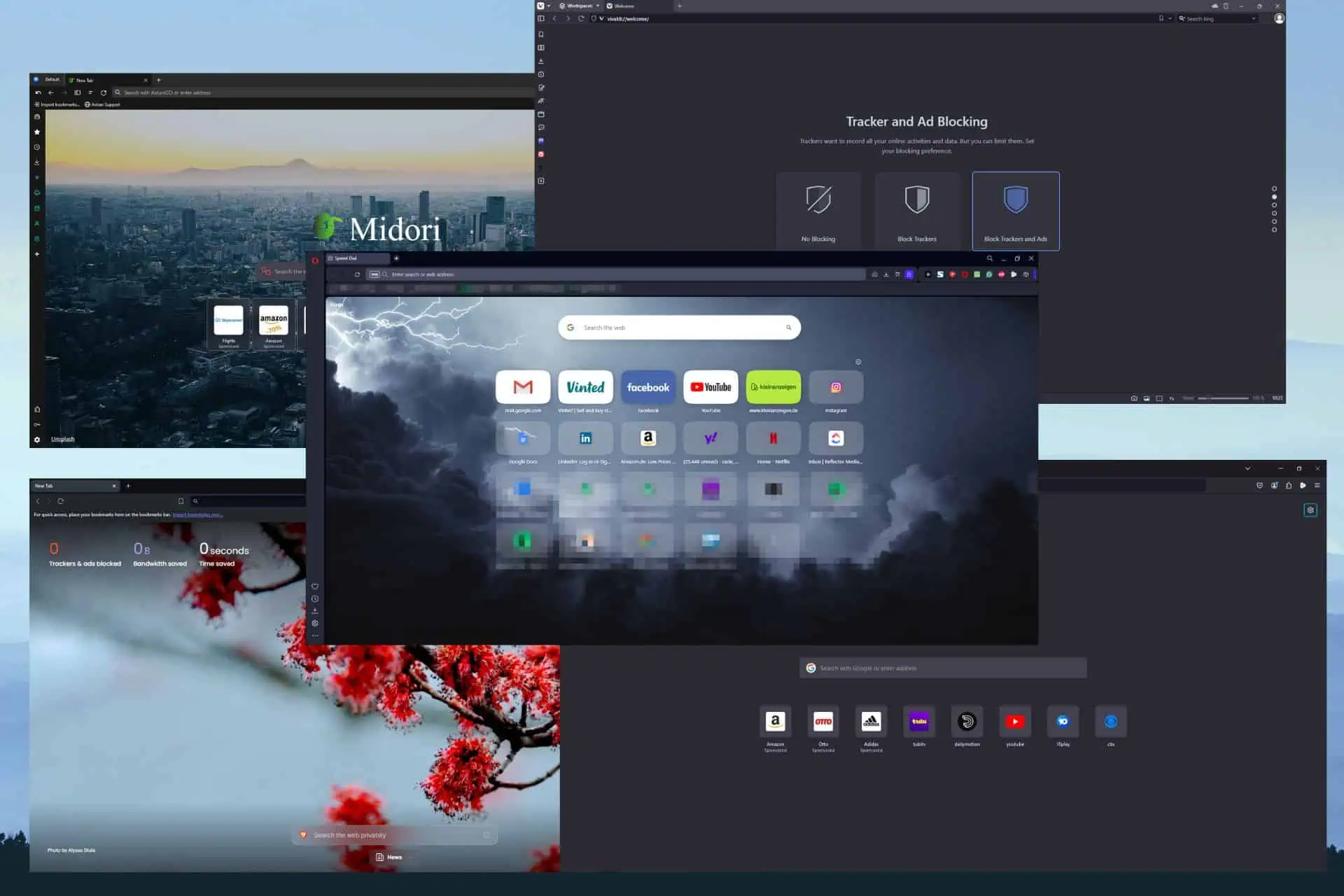
              Explore the best SeaMonkey alternatives for efficient, low-resource browsing. Top picks include Opera, Firefox, Brave, Vivaldi, and Midori.


              Honestly, seeing that SeaMonkey is a rather dated (and somewhat esoteric) app, I again suggest that posting your question at the Mac Power User forum and/or as an inquiry at the support pages for SeaMonkey could be expected to yield faster/more informative answers than asking here (taking the case that someone here has already solved your same problem as an exception).

              --
              JJW

              Comment

              • SGilbert
                Member
                • Mar 2005
                • 487

                #8
                Originally posted by bigfoot4 View Post
                Thanks for the replies!

                To clarify I am using M1 iMac running 26.7.1. I already have the intel version of FileZilla. My concern is if there will be an intel version of "Sea Monkey", if not, then what software suggestion are out there.
                For your info, the current version is OS 27.0.1
                rMBP, 15", 2.8GHz i7, 16G RAM, Reunion 12.0, iPhone 12 Pro Max, ReunionTouch

                Comment

                Working...